
What makes your website appear in Chatgpt?
TL;DR
- Your site shows up in ChatGPT answers when search engines can find it, understand it and trust it.
- There is no “submit to ChatGPT” button. You focus on clear content, strong local signals and basic tech health, just like you already should for Google.
- If your site clearly explains who you are, what you offer and where you work, AI tools have a much better chance of using your content when people ask about businesses like yours.
You are hearing about AI, ChatGPT, “AI search” and wondering if your website is about to disappear behind a robot wall.
You worked hard on your business, your brand and probably your site. You just want a simple answer: what makes your website appear in ChatGPT when someone nearby asks about what you do?
Let’s walk through that together, in plain language, from one Louisiana small business lover to another.
What it really means for your website to “appear in ChatGPT”?
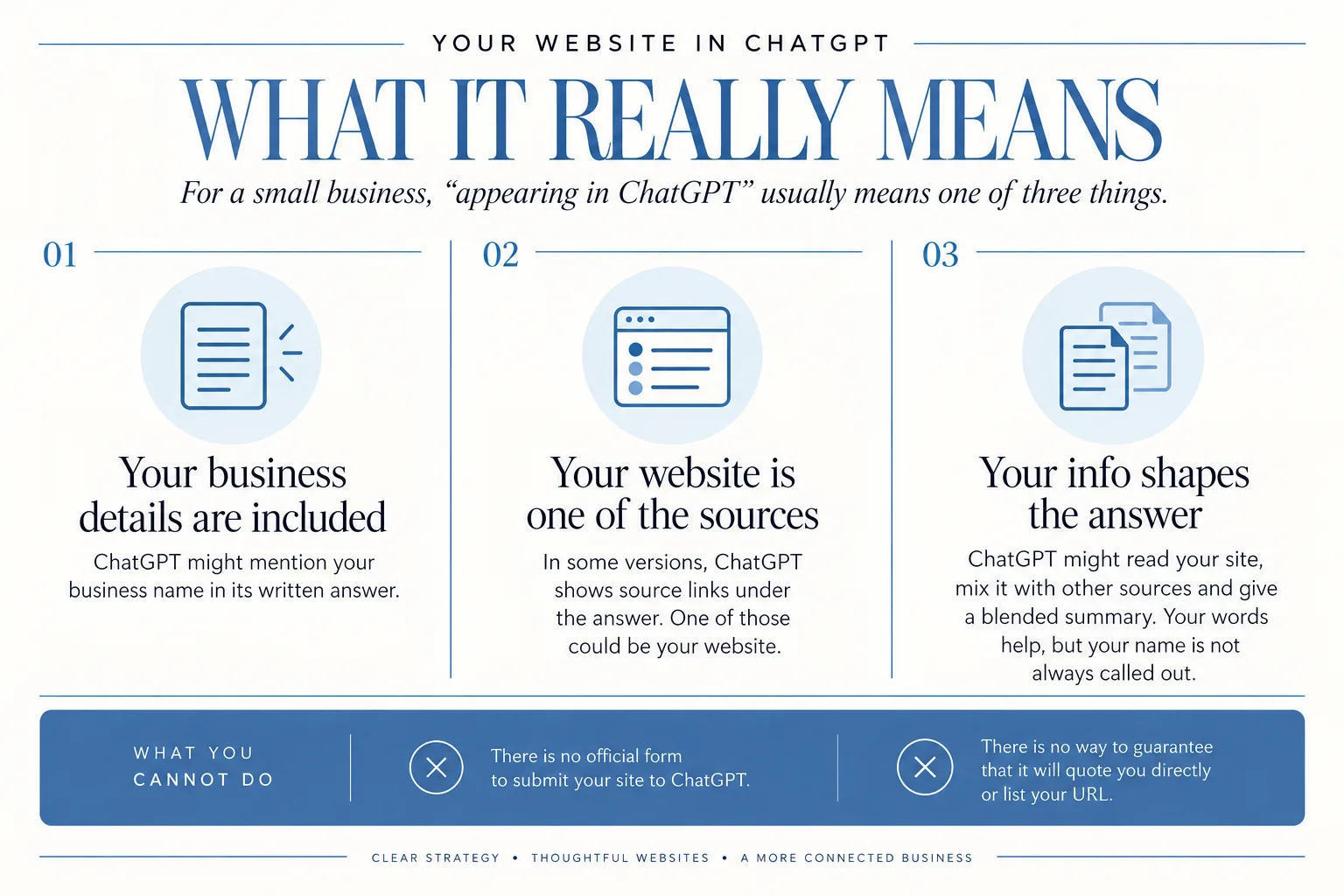
For a small business, “appearing in ChatGPT” usually means one of three things:
- Your business details are included in an answer.
For example, if someone types “best brand photographer in Lafayette”, ChatGPT might mention your business name in its written answer.
- Your website is one of the sources it used.
In some versions of ChatGPT, when it browses the web, it shows a handful of source links under the answer. One of those could be your website.
- Your info shapes the answer, even if your URL is not visible.
ChatGPT might read your site, mix it with other sources and give a blended summary. Your words help, but your name is not always called out.
Here is what you *cannot* do:
- There is no official form to “submit your site to ChatGPT”.
- There is no way to guarantee that it will quote you directly or list your URL.
So when you ask “what makes your website appear in ChatGPT?”, what you are really asking is:
How do I make my website clear and trustworthy enough that, when ChatGPT looks around for answers, it sees my content as something worth using?
That is what this guide focuses on.
The foundations: how AI tools like ChatGPT discover and trust websites
Here is the key mindset shift:
ChatGPT is not a separate internet.
When ChatGPT goes to the web for answers, it:
- Uses Bing search and other search engines to look up the topic or question.
- Clicks into multiple websites that look helpful.
- Reads, compares and then blends all of that into one summary.
So instead of crawling every single page on the web in real time, ChatGPT leans heavily on existing search engines and their crawlers to:
- Discover new websites.
- Judge which pages might be high quality.
- Decide what to click and read.
If Bing and other search tools are confused by your site, or cannot access it, AI tools that depend on them have nothing to work with.
That is why:
- Basic search visibility still matters.
- Clear, human content still matters.
- Trust signs around the web still matter.
Usage reports, like Sensor Tower’s State of AI Apps, show that people are using ChatGPT more and more like a search engine, asking it for information and recommendations.
So it helps to think of ChatGPT as another place your good, clear website can show up, not a total replacement for Google.
Step 1: Make your site easy for search engines (and AI) to crawl
If search engines cannot get to your content, they cannot use it. And if they cannot use it, neither can ChatGPT.
You do not have to be super technical here. There are a few basic things to check or ask your web person about.
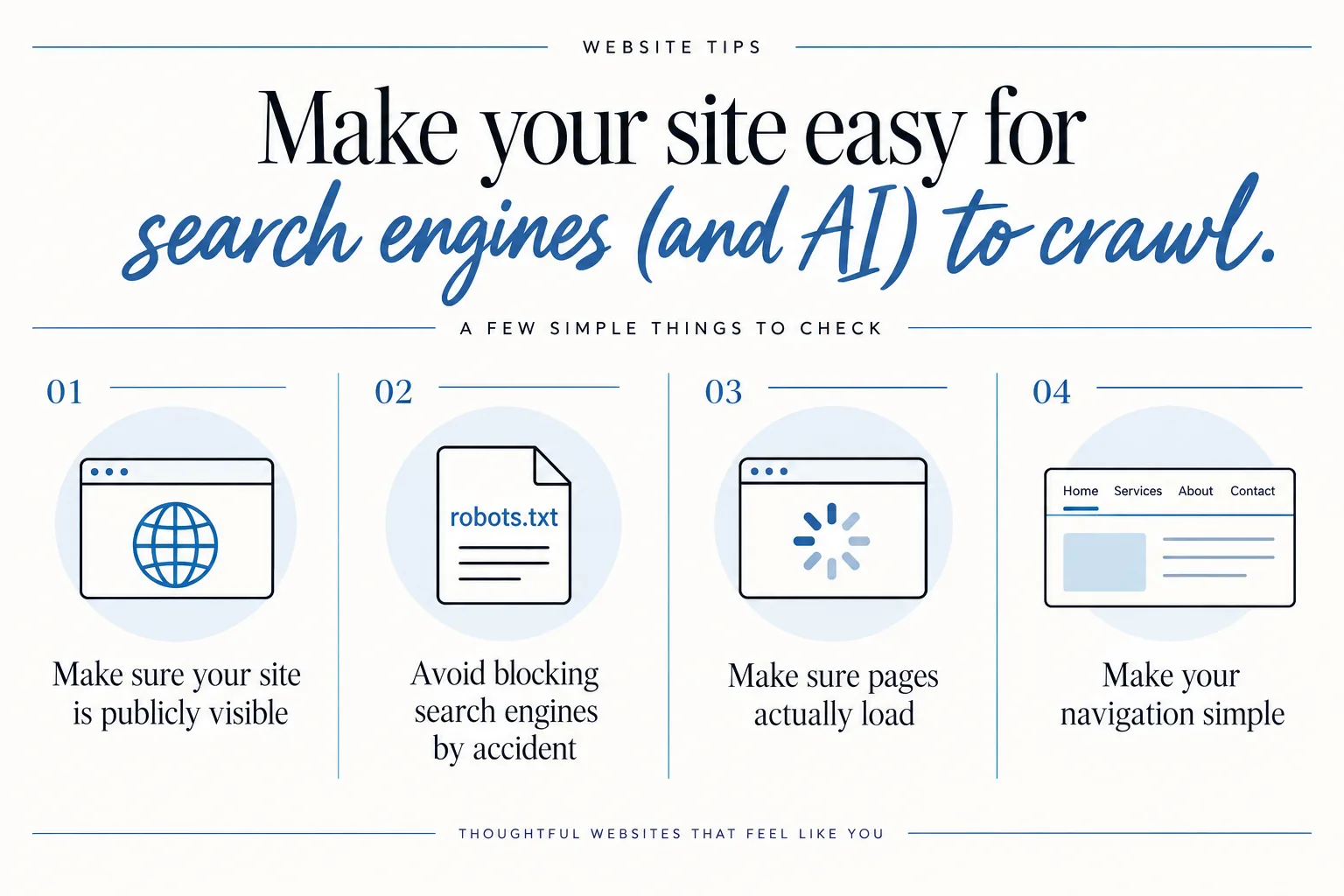
1. Make sure your site is publicly visible
Ask or check:
- Can you see your full site when you are logged out or on your phone, without any passwords?
- If you type
site:yourdomain.cominto a search engine, do at least a few of your pages show up?
If your site is behind a login, a “coming soon” wall, or blocked from search, AI tools will not see it either.
2. Avoid blocking search engines by accident
Most sites have a small file that tells search robots where they can or cannot go. It is called robots.txt.
Sometimes that file is set to “block everything” during development and never turned back on.
Ask your developer or designer:
- “Can you check that my site is not blocking search engines in
robots.txtor site settings?”
You do not need to know where that file lives, you just need someone to confirm that nothing important is blocked.
3. Make sure pages actually load
If your pages are:
- Very slow,
- Full of heavy images that take forever to load, or
- Constantly throwing errors,
search engines may give up, and ChatGPT will not see your content as reliable.
You can run a quick free speed test with Google PageSpeed Insights and share the results with your developer or designer. Look for:
- Any major error messages.
- Very low performance scores that might signal something is off.
You do not have to chase a perfect score. You just want your site to load in a reasonable time for a normal person on normal wi-fi.
4. Make your navigation simple
Crawlers and humans both like clear paths.
- Have a main menu with obvious labels like “Home”, “Services”, “About”, “Contact”.
- Avoid hiding everything behind fancy animations.
- Make sure every important page is linked from somewhere obvious.
If a real person would be confused trying to find your services or contact info, a robot probably will be too.
Step 2: Write clear, answer-focused content on your key pages
This is where your heart for your work becomes a real strength.
AI tools pull from content that directly and clearly answers a question. They do not do as well with copy that is poetic but vague.
Think about the kinds of questions people ask about your type of business. Then line your website up with those questions.
Focus on your core “money” pages
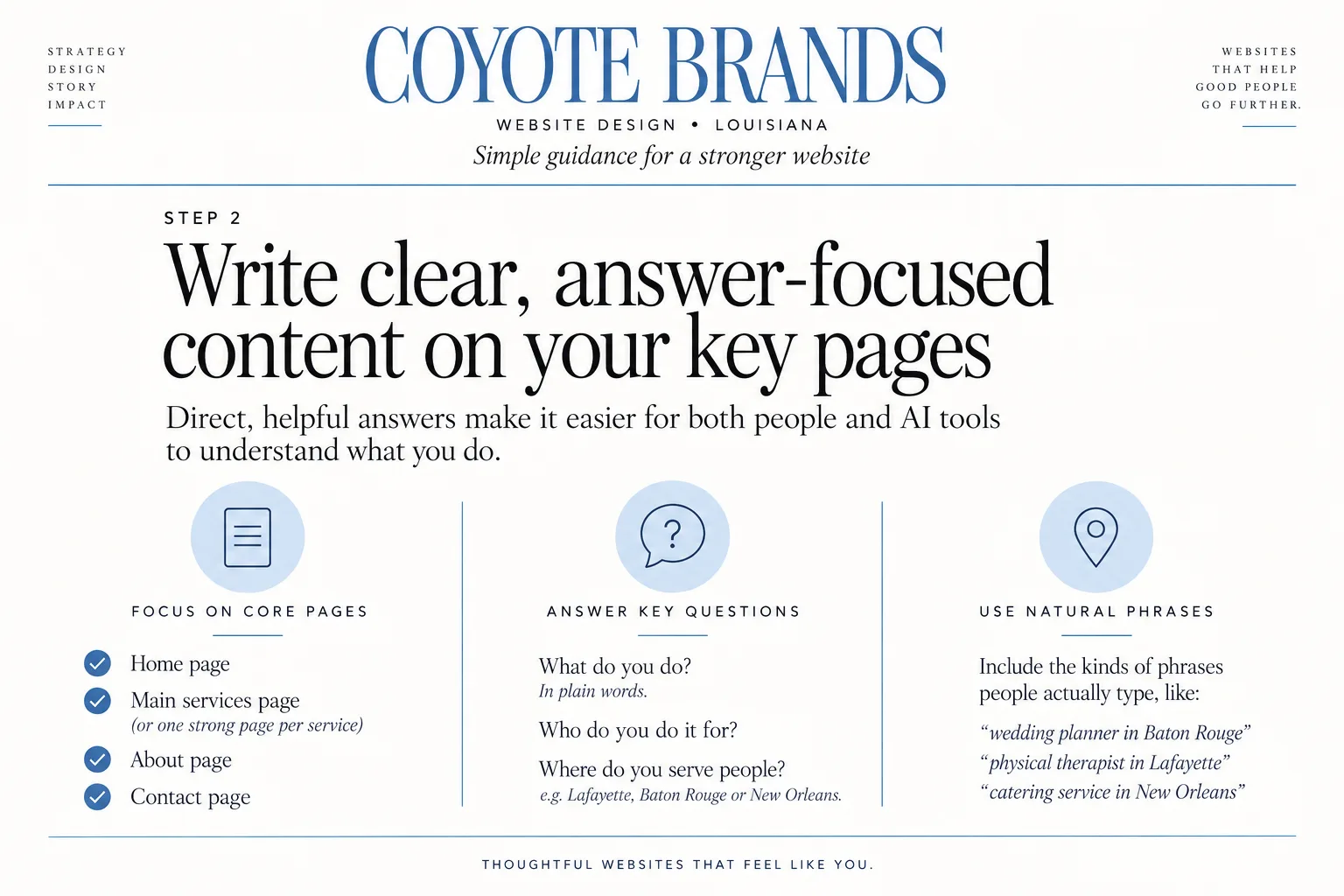
At minimum, make these pages strong:
- Home page
- Main services page (or one strong page per main service)
- About page
- Contact page
If you are in a local service area like Lafayette, Baton Rouge or New Orleans, this is where you want to spell that out.
On your home page, answer:
- What do you do, in plain words?
- Who do you do it for?
- Where do you serve people?
For example, instead of:
“I help you feel empowered through intentional visuals.”
Try something closer to:
“I offer brand photography for small businesses in Lafayette and Baton Rouge.”
Same heart, more clear.
If you want help turning that kind of clarity into a simple but beautiful site, I have a Mini Site option for early-stage businesses that is built around these kinds of core pages.
On service pages, answer real questions
Imagine someone types in:
- “Who is a good ___ in Lafayette?”
- “How much does ___ cost near me?”
- “What does a ___ process look like?”
Your service pages should:
- Name the service clearly in the main heading.
- Describe the service step by step in short sections.
- Mention your location and service area in a natural way.
- Answer common questions directly, as little Q&A spots or short paragraphs.
For example, as a brand photographer, a page might answer:
- What types of sessions you offer.
- Who they are best for.
- Where sessions usually happen.
- How long they take.
- What clients receive.
The clearer your answers, the easier it is for both humans and AI tools to lift them into an answer about “what working with a brand photographer in Lafayette is like”.
If you want to see how I handle this kind of clarity for visuals, you can peek at my own brand photography and video services in Louisiana page.
Use natural phrases people might actually type
You do not have to stuff your site with awkward keywords. You just need to use natural phrases that match real questions.
For a Louisiana service business, that might include phrases like:
- “wedding planner in Baton Rouge”
- “physical therapist in Lafayette”
- “catering service in New Orleans”
Drop them into:
- Your headings.
- The first couple of sentences on an important page.
- Photo captions or little side notes, when it makes sense.
Write like you talk when you explain what you do to a neighbor, and sprinkle in the city or region names that matter.
Step 3: Use structure and metadata to give AI extra context
Once your words are clear, you can give AI tools a few gentle hints about what each part of a page means.
You do not have to become a coder. Think of this as organizing your content in a way that “labels the drawers”.
Use headings and short sections
Headings, subheadings and short sections help both humans and machines.
On a service page, a simple structure might be:
- H1: “Family photographer in Lafayette, Louisiana”
- Intro paragraph with who you serve.
- H2: “What is included in your session”
- H2: “How the process works”
- H2: “Locations I serve”
- H2: “Frequently asked questions”
This kind of structure:
- Makes it easy for AI to see, “oh, this section answers ‘how the process works’”.
- Increases the odds it will pull that specific section into an answer about that topic.
Use page titles and meta descriptions
Most website platforms let you set a page title and a meta description. These are not always visible on the page itself, but they show in search results and help tools understand what the page is about.
Keep them simple and descriptive:
- Page title: “Brand photographer in Lafayette, Louisiana | Your Business Name”
- Meta description: “Brand photography for small businesses in Lafayette, Baton Rouge and New Orleans. Custom sessions that tell the story of your Louisiana brand.”
You can ask your designer where to edit those for each page.
Use clear alt text for important images
Alt text is a short description that explains an image to people using screen readers, and it also gives search engines context.
For example, an image on your services page might have alt text like:
- “Massage therapist in Lafayette working with a client in a studio.”
- “Bakery owner in Baton Rouge decorating cupcakes in the shop.”
You do not need to overdo this. Just describe the image and, if it fits naturally, include the type of service and city.
Keep your URLs tidy
Where you can edit page URLs, keep them short and clear:
yourbusiness.com/brand-photography-lafayetteyourbusiness.com/wedding-planning-baton-rouge
This is not magic, but it is one more small signal that tells both people and AI tools what lives on that page.
If you like working visually and want to see structured layouts in action, you might enjoy my post with Showit website template ideas for photographers. You can see how different sections and headings guide the eye and the content.
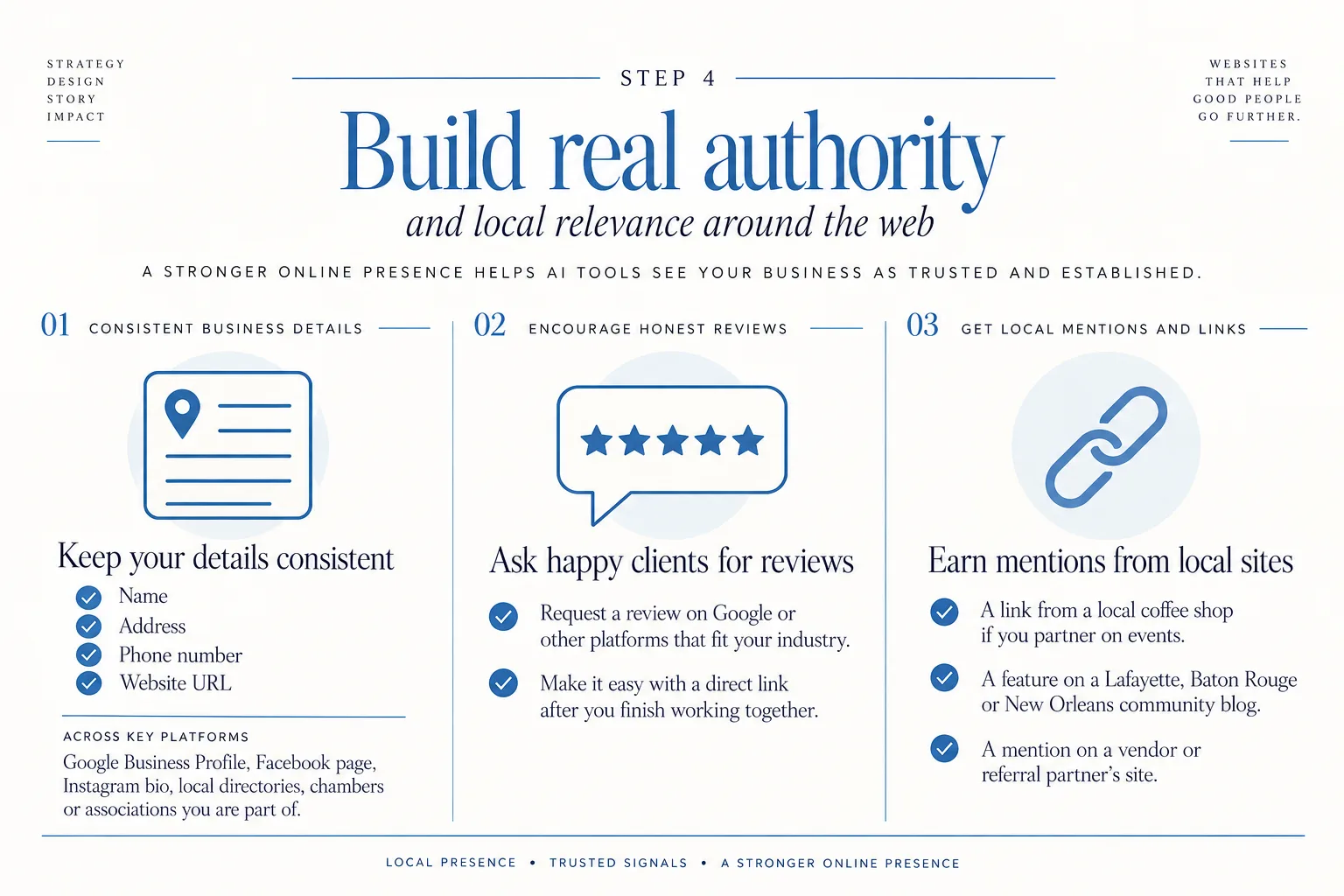
Step 4: Build real authority and local relevance around the web
Even if your website is beautifully written and well structured, AI tools are still more likely to pull from sites that seem *trusted and established*.
That trust does not come from one trick. It comes from your whole presence around the web.
Get your business details consistent across listings
Make sure your:
- Name
- Address
- Phone number
- Website URL
are consistent wherever your business shows up online, including:
- Google Business Profile
- Facebook page
- Instagram bio
- Local directories, chambers or associations you are part of
Consistency helps search engines and AI tools connect the dots and say, “yes, this is the same legitimate business”.
Encourage honest reviews
When people look for local options, they read reviews. AI-driven tools pay attention to those same signals.
You can:
- Ask happy clients if they would leave a review on Google or other platforms that fit your industry.
- Make it easy by sending a direct link after you finish working together.
You do not need hundreds of reviews. A steady trickle of honest, specific reviews over time sends a stronger signal than 20 generic ones all at once.
Get mentioned or linked from other local sites
You do not need big national press. Simple, local mentions add up:
- A link from your favorite local coffee shop if you partner on events.
- A feature on a Lafayette, Baton Rouge or New Orleans community blog.
- A mention on a vendor or referral partner’s site.
Each of these tells search tools and, by extension, AI tools: this business is real, active, and part of the local ecosystem.
If you want your website to reflect that level of professionalism and local pride, my signature web design for Louisiana small businesses is built exactly with that in mind.
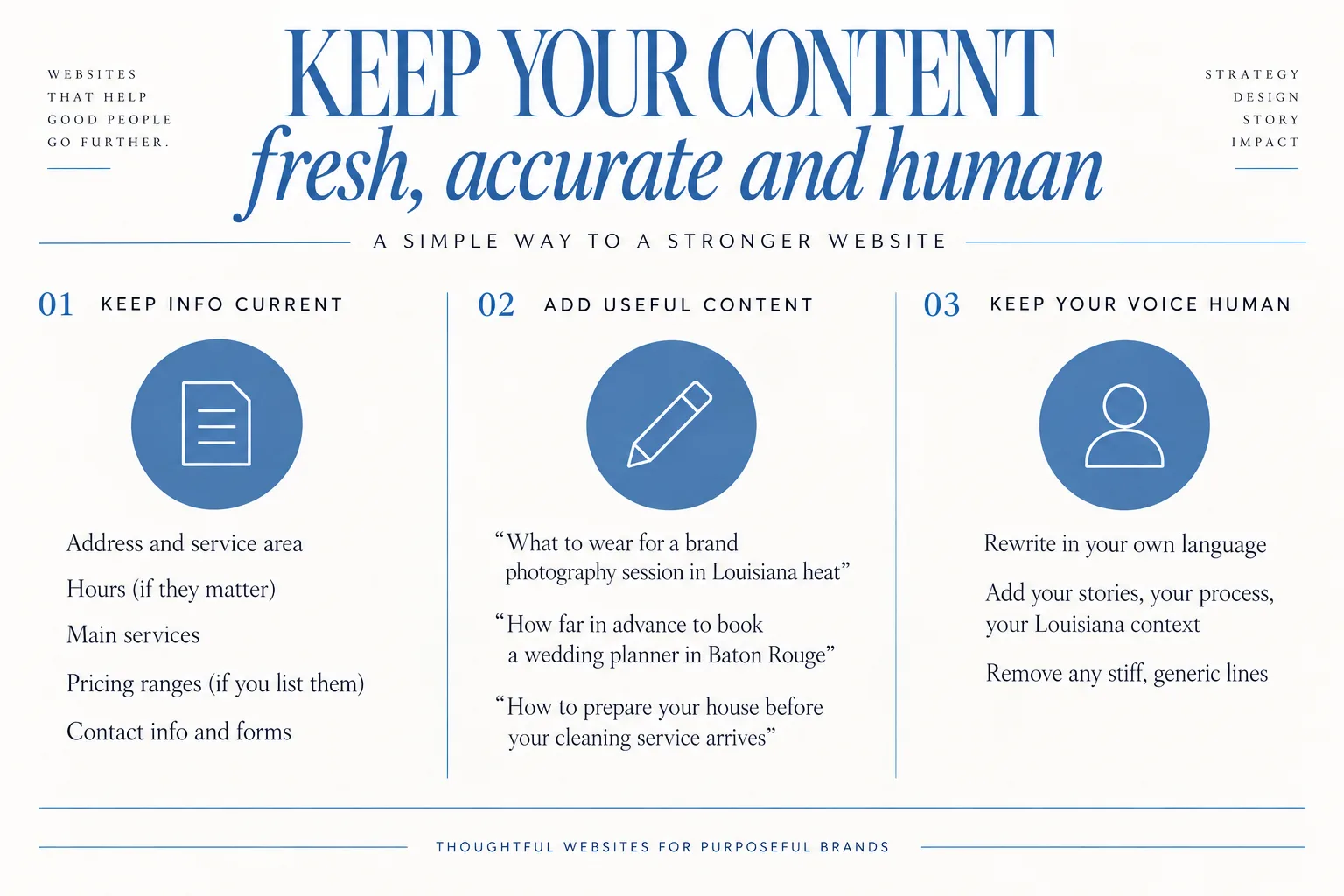
Step 5: Keep your content fresh, accurate, and human
AI tools and search engines favor content that is accurate, up to date and clearly written for real people, not just stuffed with keywords.
That does not mean you need a weekly blog schedule. It means you treat your site like a living, trusted source.
Keep your basic info current
Put a reminder on your calendar a few times a year to check:
- Address and service area
- Hours (if they matter for your business)
- Main services
- Pricing ranges, if you list them
- Contact info and forms
If something changes, your website should be the one place that is always correct. AI tools learn from many sources, so you want your site sending the clearest, newest version of your story.
Add occasional, useful content
If you have the bandwidth, you can publish occasional pieces that answer very specific questions people ask about your work.
For example:
- “What to wear for a brand photography session in Louisiana heat”
- “How far in advance to book a wedding planner in Baton Rouge”
- “How to prepare your house before your cleaning service arrives”
These kinds of posts:
- Help real humans feel prepared.
- Give AI tools very clear, question-and-answer style content to work with.
You do not have to publish constantly. A few strong, helpful posts over time can do more than a dozen rushed ones.
Keep your voice human
You might use AI as a helper, but your site should still sound like *you*.
If you use a tool to draft content:
- Always rewrite in your own language.
- Add your stories, your process, your Louisiana context.
- Remove any stiff, generic lines.
The more you show your human side, the more people trust you. AI tools are trained to recognize and prioritize content that feels like it was written for humans, not machines.
If you enjoy working from home and building a creative life around this kind of work, you might like my behind-the-scenes post on how I got into this path: Become a Showit Web Designer and Build a Business from Home.
Quick FAQ: common questions about getting your website into ChatGPT
Is there a way to submit my site to ChatGPT?
No. There is no official “submit your site to ChatGPT” form and no way to guarantee that your site will be quoted or linked in an answer.
Your best move is to:
- Make your site easy to access and understand.
- Build clear, local, answer-focused content.
- Strengthen your presence and reviews around the web.
All of that makes your site more likely to be chosen when ChatGPT pulls in information for a question.
How does optimizing for Bing and other search engines help?
When ChatGPT goes to the web, it:
- Uses Bing search to find relevant pages.
- Visits several of them.
- Blends what it finds into a summary.
If Bing and other search engines already see your content as high quality for certain questions and locations, ChatGPT is more likely to:
- Find you in the first place.
- Consider your content trustworthy enough to use.
So any improvements you make for regular search (page quality, clear titles, good local info, reviews) help indirectly with AI visibility too.
Can ChatGPT build my website for me?
ChatGPT can:
- Brainstorm ideas.
- Help outline content.
- Suggest wording or answer common questions.
It cannot:
- Sit with you to understand your brand’s personality the way a real person can.
- Make strategic design choices that fit your exact business, photos and goals.
- Take custom images that show the real you and your work.
I started in photography, then moved into web design, and that background shapes how I build sites. I care about how your brand feels, how your images tell your story and how your words land with real humans in Louisiana. A tool can help you draft, but it does not replace that kind of big-picture thinking.
Will working on this for ChatGPT also help my regular search results?
Yes. The same steps that help with ChatGPT visibility:
- Making your site easy to crawl.
- Writing clear, specific content.
- Using headings and metadata.
- Building reviews and local authority.
- Keeping things updated and human.
all improve how people find you in regular search and how they experience your site once they click.
You are not doing two separate projects. You are creating one strong, grounded website that serves Google, Bing, ChatGPT and, most importantly, the real people looking for you.
If you want another set of eyes on how all of this fits together for *your* business, you can always reach out to talk about your goals through my contact form: Reach out to talk about your goals.