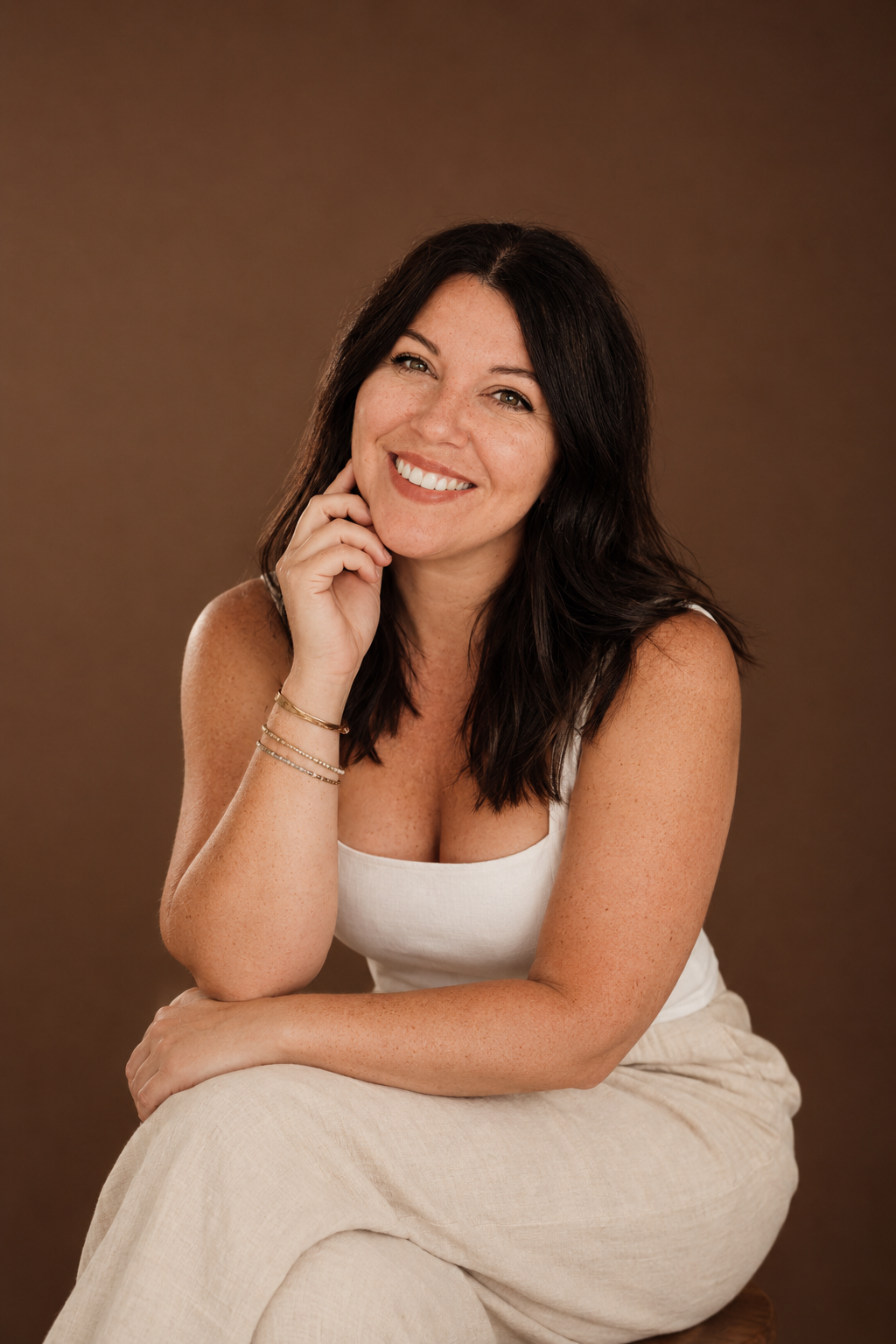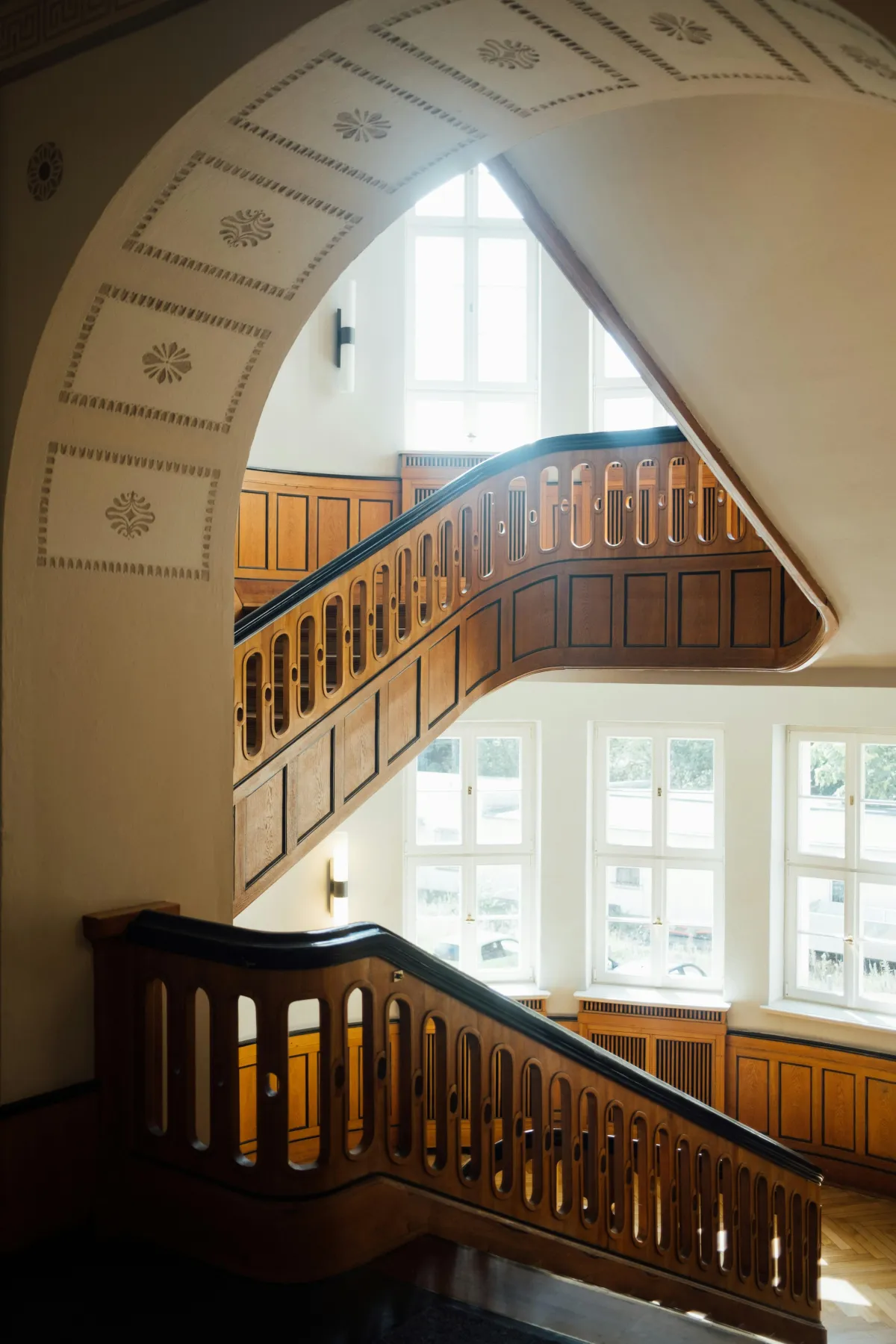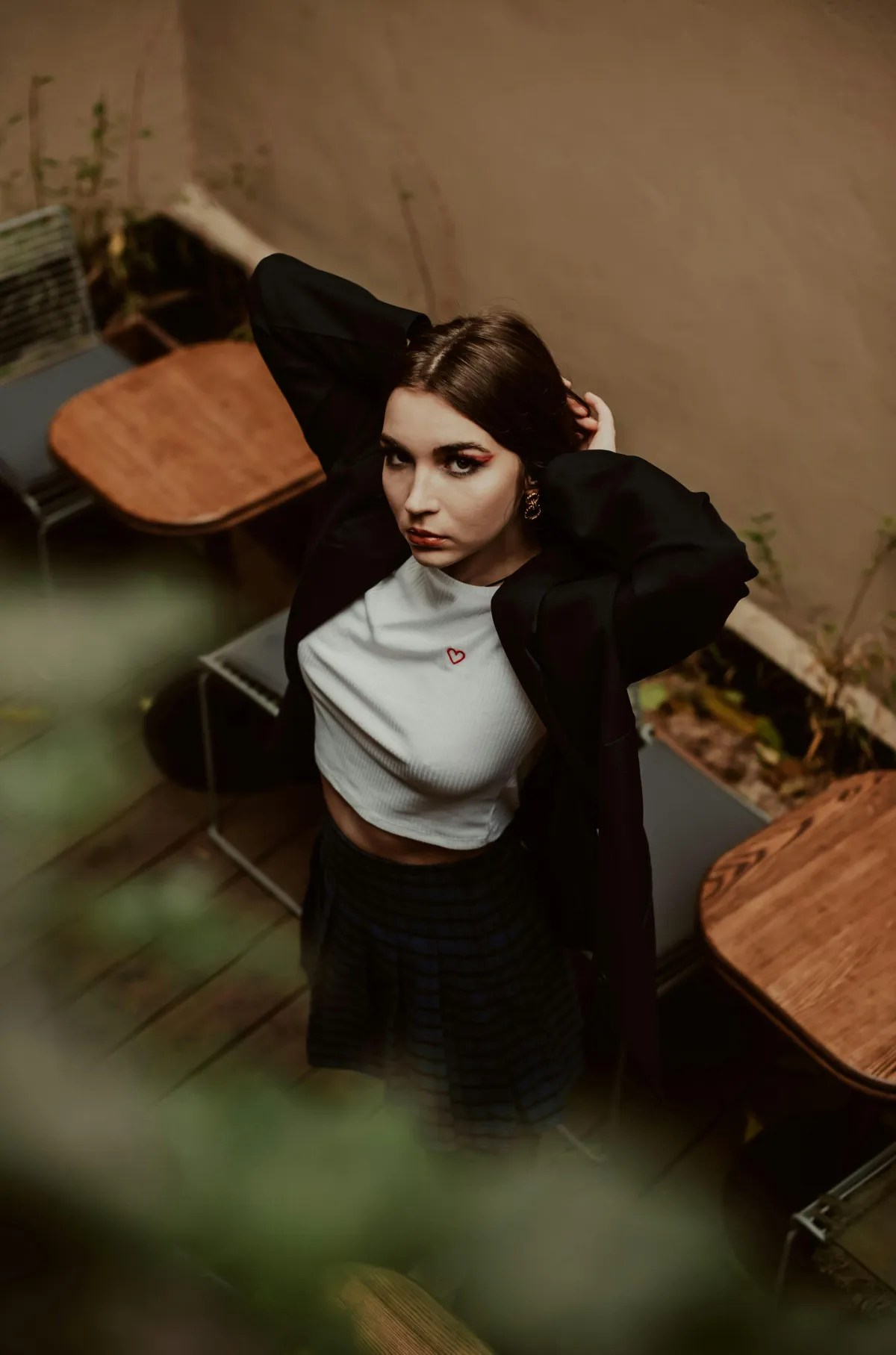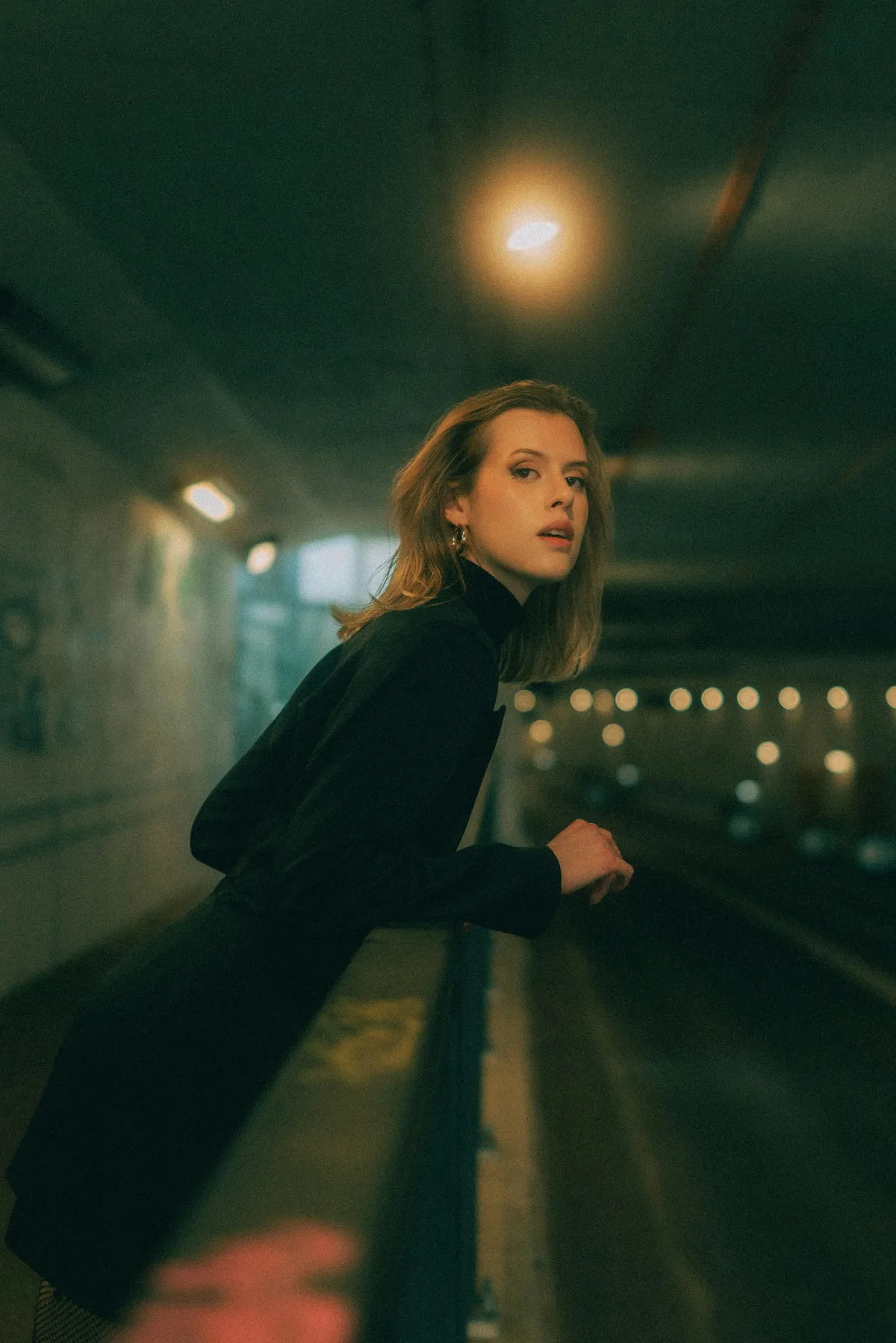
What To Wear For Brand Photos That Feel Like You?
TL;DR: Wear what you actually work in, cleaned up just a bit. Choose a small mix of outfits that match your brand vibe, tie into your brand colors, and feel comfortable enough that you can move, laugh and work during your session. If you feel like yourself in your clothes, your photos will look more professional, not less.
You’ve put time, money and a lot of heart into booking or considering a brand photoshoot. The last thing you want is to open your gallery and think, “Who is that? That doesn’t even look like my real life.”
As a Louisiana-based brand photographer and web designer, I care just as much about how your photos work on your website as how they look on your camera roll. The goal is not “Pinterest-perfect business costume.” The goal is photos that look like you on your best workday and still sit beautifully on your homepage, sales pages and social feeds.
Let’s walk through a simple way to plan what to wear for brand photos, step by step, so you can stop stressing and start feeling excited.
Start here: what to wear for brand photos, in one quick answer
If you only remember one rule, let it be this:
Dress like a slightly more intentional version of how you actually work.
That means:
- Start with outfits you already wear to see clients, record videos or work at your laptop.
- Clean them up a bit, add structure where you need it (like a jacket, nicer shoes or jewelry), and skip anything that feels like a costume.
- You should feel like you could walk into a normal Tuesday in these outfits, just a little more polished.
If you feel stiff or “in character” in your clothes, it will show. If you feel like yourself, your energy and personality can do the heavy lifting.
Step 1: Start with your real-life work style and brand vibe
The best brand photo outfits start in your closet, not at the mall.
Think about:
- What you actually wear when you are working with clients, shipping orders, or creating.
- What you throw on when you record Stories or hop on Zoom.
- What you would wear if a dream client walked through your door tomorrow.
Brand outfits should feel like a refined version of that reality, not a whole new persona.
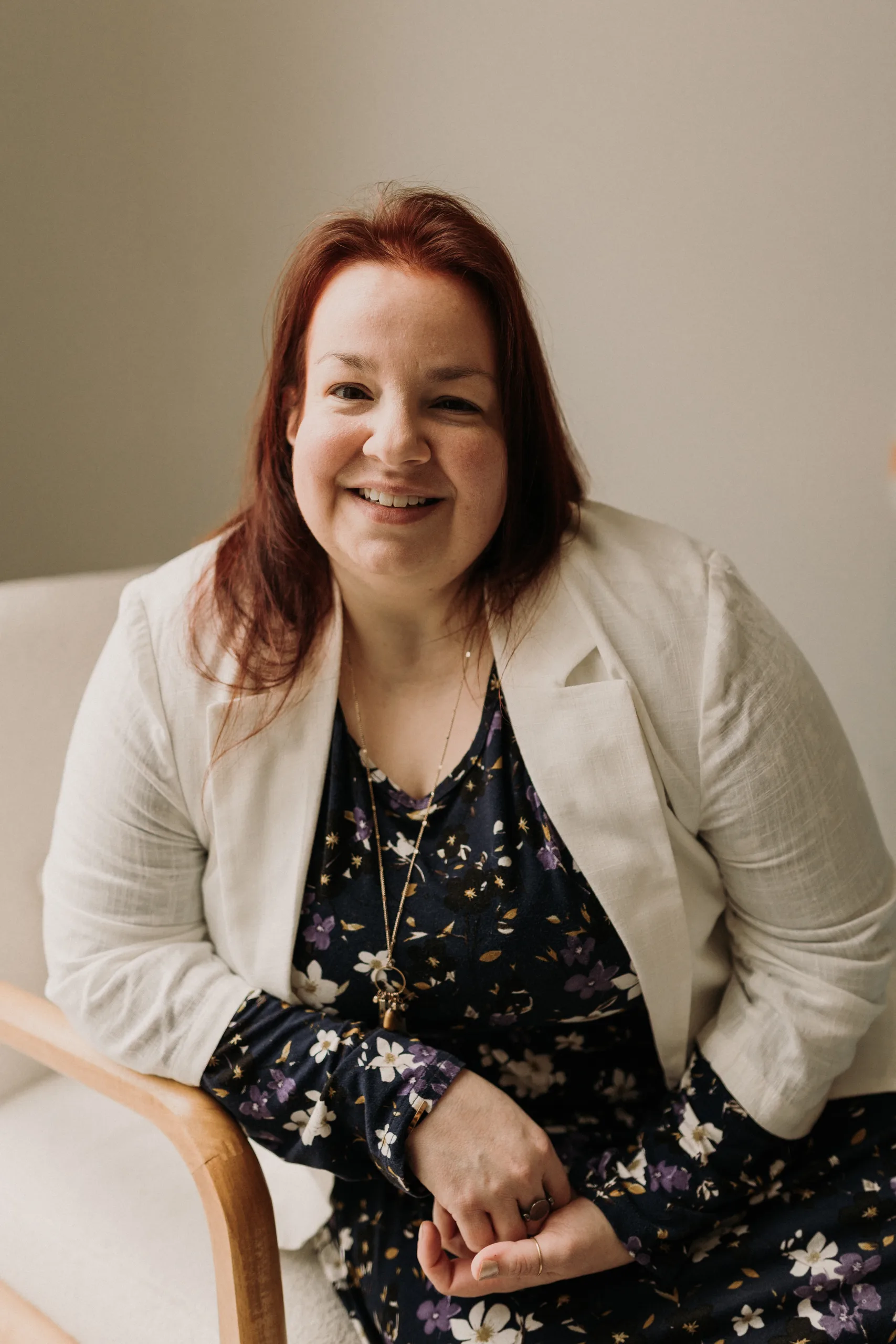
If your clients are professionals who expect a more traditional look, you might lean toward:
- Tailored pants or dark jeans with a blazer.
- Simple dresses with a bit of structure.
- Closed-toe shoes and slightly more classic accessories.
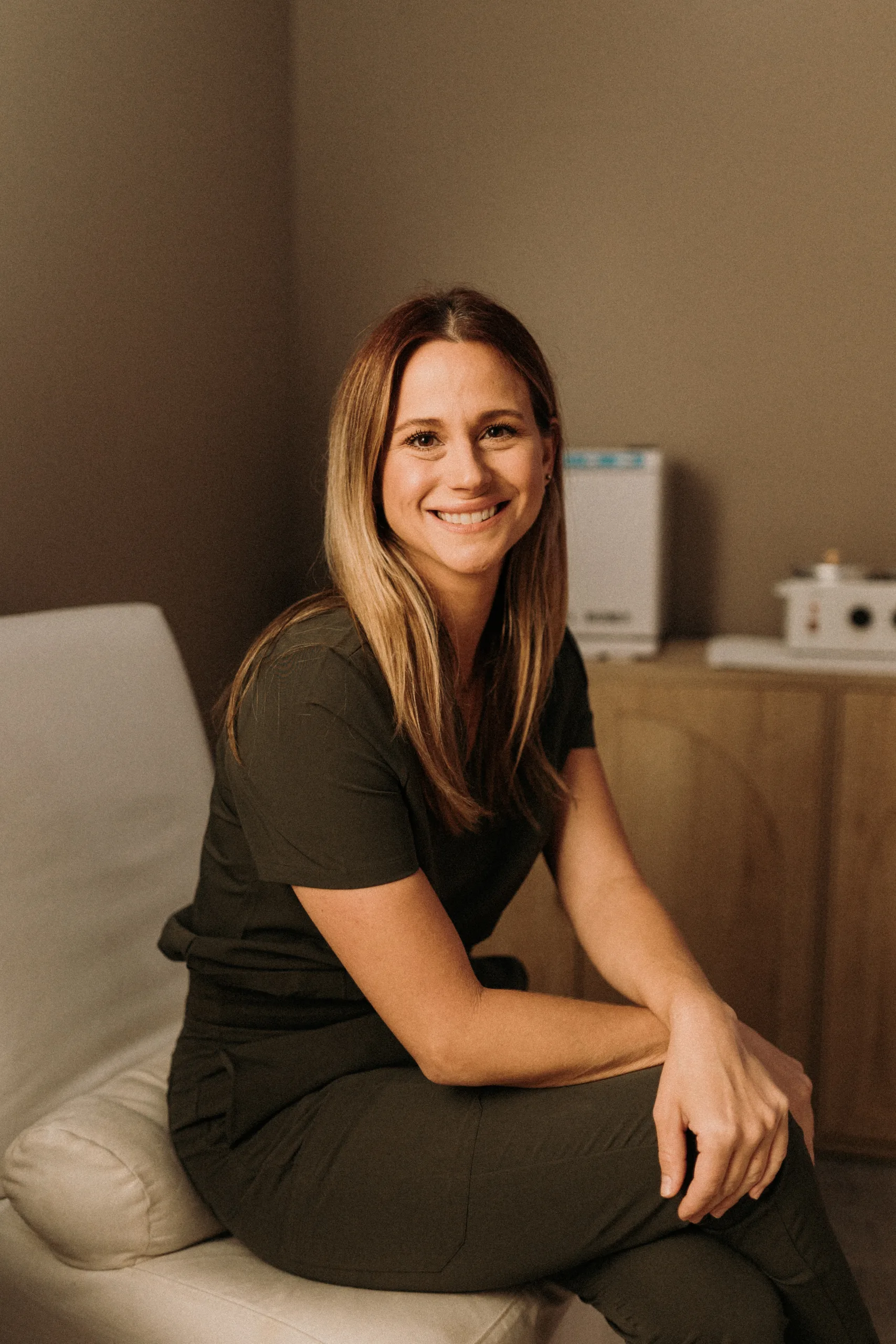
If your clients are more laid back or creative, you might feel at home in:
- Casual or trending pieces styled intentionally.
- Flowy dresses, jumpsuits or nice jeans and a favorite top.
- Sandals or sneakers that are clean and in good condition.
Either way, you want to be able to move, sit, bend, walk and demonstrate what you do without adjusting your clothes every two seconds.
Match your clothes to your brand feeling
How do you want people to feel when they land on your site?
A few examples:
- Calm and cared for. Think softer fabrics, lighter colors, and simple lines.
- Bold and energizing. Think stronger shapes, bolder color pops, graphic jewelry.
- Grounded and trustworthy. Think solid colors, clean silhouettes, nothing too fussy.
Your outfits are part of that feeling. They do not have to be fancy. They just need to be honest and intentional.
A note about makeup and hair
Your makeup should look like you, not like a totally different person.
If you wear minimal makeup day to day, you can absolutely bump it up slightly (a bit more mascara, concealer, maybe a defined brow), but avoid going so glam that you look unrecognizable compared to your usual social media content.
Same with hair. Aim for a version of how you normally wear it on a day when you feel good about yourself.
Step 2: Choose outfits based on where the photos will live
Instead of stressing over “the perfect outfit,” think about where the photos will show up.
Your wardrobe choices should serve your marketing, not the other way around.
Common places your brand photos might live:
- Homepage hero image
- About page
- Services or sales page
- Social media posts and Reels covers
- Email newsletters or lead magnet pages
- Printed pieces, like postcards or flyers
Think in use-cases, not just “cute outfits”
For example:
- Homepage hero image:
You usually want something clean, confident and not too busy. Solid colors or simple patterns work well here. The photo may be cropped wide for banners, so avoid tiny details that will disappear.
- About page portrait:
This can be more relaxed. Maybe this is where you’re sitting at a table, laughing, or holding something that represents your work.
- Services or process section:
Outfits that let you move around while demonstrating what you do. Think rolling out dough, adjusting a client’s hair, walking through a property, organizing a shelf.
- Social media:
This is where you can mix in slightly more playful or trendy pieces, as long as they still look like you.
If you plan this out with your photographer, each outfit can be assigned a “job”:
- Outfit A: Hero / intro
- Outfit B: Behind the scenes / action
- Outfit C: Casual, connection-focused shots
That way, your gallery is full of images that have obvious homes on your site and marketing, instead of 200 random pretty portraits you do not know how to use.
Step 3: Work with your brand colors (even if they’re hard to wear)
You want your photos to line up with your website colors without feeling like you are in a logo costume. Completely fair.
You do not have to wear your brand palette head to toe. The goal is for your photos to feel like your brand, not match it exactly.
Coyote Brands creates websites and professional photography for small businesses that care deeply about their brand, so I am always thinking about how your outfits and backdrops will look next to your site colors.
Here are a few ways to bring in color without overdoing it:
- Wear a pop of your brand color in one main piece, like a blouse, blazer or skirt.
- Use a backdrop or setting that includes your brand colors.
- Add small accents in your colors, like earrings, a notebook, a pen, a throw pillow or a blanket.
You can also build outfits around neutrals that support your palette. For example:
- If your brand is soft and airy, think whites, creams, beiges, soft grays, and one or two soft color pops.
- If your brand is bold and rich, deeper neutrals like charcoal, navy or camel can pair well with your bold accents.
Remember, your website background matters. If you have a very light site, wearing slightly deeper colors helps you stand out. If your site is dark or very colorful, lighter clothing can keep you from getting lost.
Step 4: Coordinate outfits with your Louisiana locations
Where you shoot absolutely affects what will look good.
I work with clients around Louisiana, including Lafayette, Baton Rouge and New Orleans, and each has its own feel. You might be shooting:
- In your home office
- In a studio
- In a local coffee shop or workspace
- Outside around city streets or greenery
- In an Airbnb that gives you more space and natural light
If your home office is dark or has limited natural light, it can be worth considering an Airbnb with big windows. This can open up wardrobe options and give your photos an elevated, yet still real-life, feeling.
Whatever the location, think about balance with the background:
- You do not want to blend in completely. If the walls are light, avoid wearing the exact same tone from neck to toe.
- You also do not want intense clashing, like neon against a rich historic interior, unless that clash is part of your intentional brand style.
Simple rules:
- Light background, go one or two shades darker or warmer with your outfit.
- Busy background (brick, foliage, colorful murals), lean into more solid pieces or bigger, simpler patterns.
Step 5: Pick an outfit mix that actually serves your marketing
You do not need a suitcase full of clothes. A small, thoughtful mix will cover more ground.
Here is a simple starting point for a solo small business owner:
- Polished main outfit
- Purpose: Homepage hero, key website images, more formal marketing.
- Example: Dress or jumpsuit you love, or jeans/trousers with a blazer or structured top.
- Comfortable “working” outfit
- Purpose: Behind-the-scenes shots, process photos, Reels covers.
- Example: What you really wear to work, just a bit cleaned up. Nice jeans or leggings with a good top, a casual dress, or a matching set.
- Casual connection outfit
- Purpose: About page, social media, more personal content.
- Example: Soft tee or sweater with jeans, a relaxed dress, bare feet if you are indoors.
Each outfit gets its own mini-story in the shoot. That is more useful than four outfits that all feel like slight variations of the same thing.
If video is part of your session, prioritize outfits that:
- Let you move easily without tugging or adjusting.
- Are quiet, so they do not rustle loudly on audio.
- Look good from multiple angles, not just straight-on.
Short video clips to use across your site and socials help people stay on your pages a little longer and really see how you work. Your clothes should support that, not fight it.
Step 6: Avoid common outfit issues that don’t translate on camera
Some things look fine in a mirror but do you no favors in photos, especially once those images are resized for your website.
Watch out for:
- Very tiny, busy patterns. They can look fuzzy or distracting on camera. Larger, simpler patterns tend to photograph better.
- Super shiny fabrics. These can catch light in odd ways and highlight areas you would rather not put a spotlight on.
- Extreme neons. Bright neon colors can throw color onto your skin and be hard to work with in editing.
- Too-tight clothing. If you cannot sit comfortably or raise your arms, it will limit your posing and show up in your expression.
- Very loose, shapeless pieces. These can sometimes photograph wider or slouchier than they feel. If you love a flowy piece, consider balancing it with something more fitted or adding a belt or jacket.
Also check:
- Bra straps and lines with your chosen necklines.
- Sheerness in bright light, especially if you will be near big windows.
- Shoes that you can actually walk in, since walking shots are often some of the most natural and usable images.
Step 7: Honor your body and comfort level on camera
If being in front of the camera is not your favorite, you are not alone. Your clothes can help you feel a lot more at ease.
A few guiding ideas:
- Choose fits that you do not have to “manage.” If you have to keep pulling something up or down, try a different option.
- Pick fabrics that let you move, especially around your shoulders and hips. A good shoot often includes walking, reaching, sitting and demonstrating your work.
- If there are areas you feel more self-conscious about, dress them in a way that makes you feel supported rather than hidden. For some people that means a more structured jacket, for others it means a softer, drapey fabric.
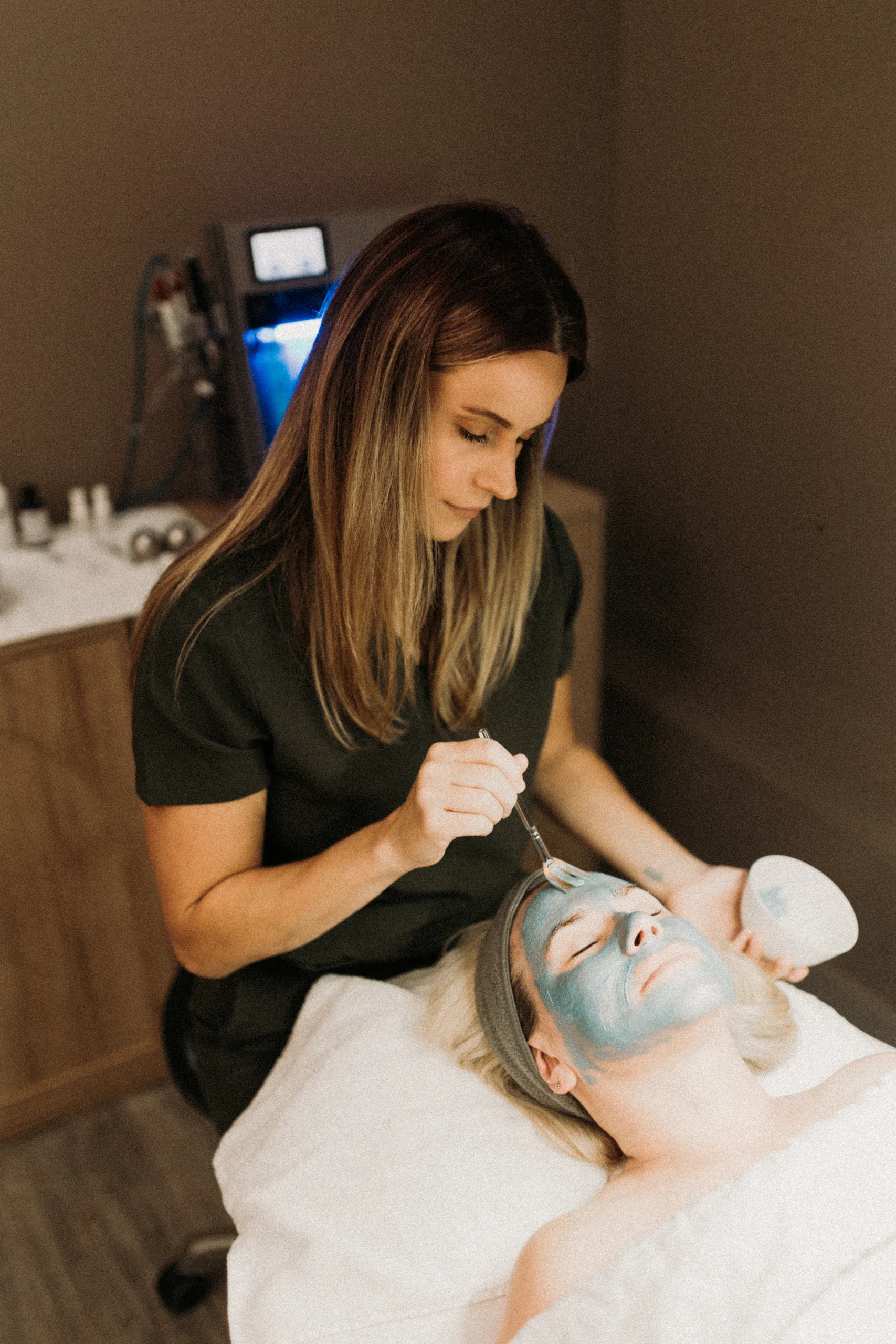
Your comfort level is more visible than any single clothing choice. If you feel like yourself and you can move freely, it is much easier for me to guide you into poses that look natural and honest.
Step 8: Plan for teams, partners, and multi-person shoots
If you are being photographed with a business partner or team, think “coordinated,” not “matching.”
As a group, you want:
- Similar levels of formality (not one person in a suit and everyone else in athleisure).
- A shared color palette that works with your brand colors and location.
- A range of pieces, so you do not all look like clones.
You could pick:
- 2 or 3 main colors that tie into your brand.
- A base neutral (like navy, gray, or beige) that everyone can work with.
- Simple guidelines like “no large logos, no neon, no graphic tees.”
Then let each person choose outfits that fit within those guidelines and still feel like them.
For multi-person video clips, the same rules apply, with extra attention to clothes that move and sit well when you are standing close together, sitting side by side, or walking as a group.
Step 9: Build your pre-shoot outfit and props checklist
Once you have made choices, put them into a simple checklist so you are not throwing things into a bag the morning of your shoot.
For each outfit, list:
- Top
- Bottom or dress/jumpsuit
- Shoes
- Undergarments or shapewear if needed
- Accessories (jewelry, belts, watch, hair accessories)
Then, add props that make sense for your actual work. You are not limited to coffee mugs.
Consider items like:
- Tools of your trade (laptop, tablet, camera, brushes, notebooks, clipboards).
- Products you make or sell.
- Materials you work with (fabric, ingredients, samples, swatches).
- Items that help tell the story of your clients’ experience with you.
Match props to specific outfits, so you know:
- Outfit A will be used with your laptop and notebook.
- Outfit B is for hands-on work with your tools or product.
- Outfit C is for more personal shots, maybe with something meaningful like a favorite book or a small item that connects to your story.
This little bit of planning reduces last-minute scrambling and helps us tell a fuller, more interesting brand story.
If you want help filling in any gaps in your marketing visuals between shoots, you might find my thoughts on editorial-style stock photography that pairs well with custom brand photos helpful.
Phone-photo test: your final outfit check before shoot day
Before your session, grab your phone and do a quick test.
- Put on each full outfit, head to toe.
- Stand near a window or in a spot with light similar to where you will shoot.
- Take a few photos:
- Standing, sitting, and walking.
- Close up and pulled back.
- Look at them with fresh eyes:
- Do the colors look good on you and not washed out or harsh?
- Do any patterns look distracting or fuzzy?
- Are there straps, lines or wrinkles drawing attention where you do not want it?
- Could you post this on your site or socials and feel like, “Yes, that is me”?
This simple test often catches little things before they show up in your real session, and it gives you confidence that what you picked will translate on camera.
FAQ: quick answers about what to wear for brand photos
Can I wear all black?
You can, especially if you wear black often in your real life and brand. Just keep in mind:
- Solid black can look heavy, especially against dark or very light backgrounds.
- It can sometimes hide shape and detail in photos.
If you love black, consider:
- Breaking it up with texture or a layer.
- Adding a pop of your brand color in accessories or background elements.
How casual is too casual?
Ask yourself:
- Would I feel comfortable meeting a paying client in this?
- Does this match what my clients expect when they work with me?
If the answer is yes and the clothes are clean, well-fitting and intentional, you are probably in a good place, even if the outfit includes jeans or sneakers. If it feels more like “yard work” clothes or what you wear when you are sick on the couch, it is likely too casual.
What about logos from other brands?
It is usually best to avoid large visible logos or phrases from other brands. They can distract from your own branding and look busy on your website.
Small, subtle brand marks (like on shoes or small tags) are normally fine, but if you can avoid loud branding, do.
Is there one “best color” for professional photos?
There is no single magic color that works for everyone.
The best color for you depends on:
- Your skin tone and hair color.
- Your brand palette.
- The background and locations we are using.
A color that looks great on one person in a studio might look completely different on someone else in an outdoor space. This is why that phone-photo test in similar lighting is so valuable.
How many props should I bring and how do they fit with my outfits?
You do not need a trunk full of props. Think in terms of small sets:
- 2–4 items that go with your main outfit.
- 2–4 items that go with your working outfit.
- 1–2 personal items that work with your casual outfit.
Choose props that you actually use or that directly connect to your work, rather than random “office” items that do not mean much to you.
I still feel unsure. Is that normal?
Yes. Most small business owners feel at least a little unsure about what to wear for brand photos. The goal is not perfection, it is planning.
If you have:
- Picked clothes that feel like a real, elevated version of you,
- Checked them in similar lighting with your phone, and
- Thought about where the photos will live,
then you are more prepared than you think.
Next step: plan brand photos that work with your website
If you are in Louisiana and want brand photos and video that feel like your real life and are planned with your website and marketing in mind from the start, that is exactly the lens I bring as a web designer and brand photographer.
I offer brand photo + video for Louisiana-based entrepreneurs and businesses, and I love helping you think through outfits, locations and the specific shots that will work hard across your whole online presence.
If you are ready to talk through your ideas and goals, you can reach out here: Reach out to talk about your goals.